How to charge your camera
Do you have a battery charger or a charging cord?
Choose what you have to see your illustrated charging instructions. Tap the same choice again to close it.
I have a battery charger
Charging with a separate battery charger
- Switch off and remove the battery. Open the battery door, release its latch and slide the battery out gently.
- Match and insert. Use a charger compatible with the exact battery model. Align the battery with the charger’s guide marks and contacts; never force it. Follow the connection sequence printed on your charger.
- Connect power. Use the charger’s specified power source and watch its charging indicator. Keep it dry, uncovered and at room temperature.
- Finish and unplug. Once the full-charge indication appears, disconnect power, remove the battery and put it back in the switched-off camera.
Never charge a swollen, leaking or damaged battery. Never put non-rechargeable AA batteries in a charger.
I have a charging cord
Charging through your camera
- Match your cable. The pictured connectors are UC-E6, Micro-USB, Olympus CB-USB8 and USB-C. Choose one compatible with your exact camera model; camera brands can use several different connectors. Never force a plug.
- Switch off and connect. Leave the correct rechargeable battery installed, close the battery door and gently connect the matching cord.
- Connect power and check. Use the camera’s original charging adapter or an explicitly compatible replacement. Plug it into an outlet and look for a charging light or battery-charging icon.
- Finish and unplug. Disconnect when the camera indicates a full battery. Light colors and behavior vary; a dark screen alone does not mean it is full. Switch the camera on to check the battery icon.
No charging indication? The port may only transfer photos. Do not assume the battery is charging. Use the compatible external battery charger when your camera does not support in-camera charging.
Not sure which one you need? Send us your camera model and battery code so we can help identify the right charging setup.
-
Flip Screen Digital Cameras 🤳
Cameras with flip or tilting screens. Check each model for its range...
-
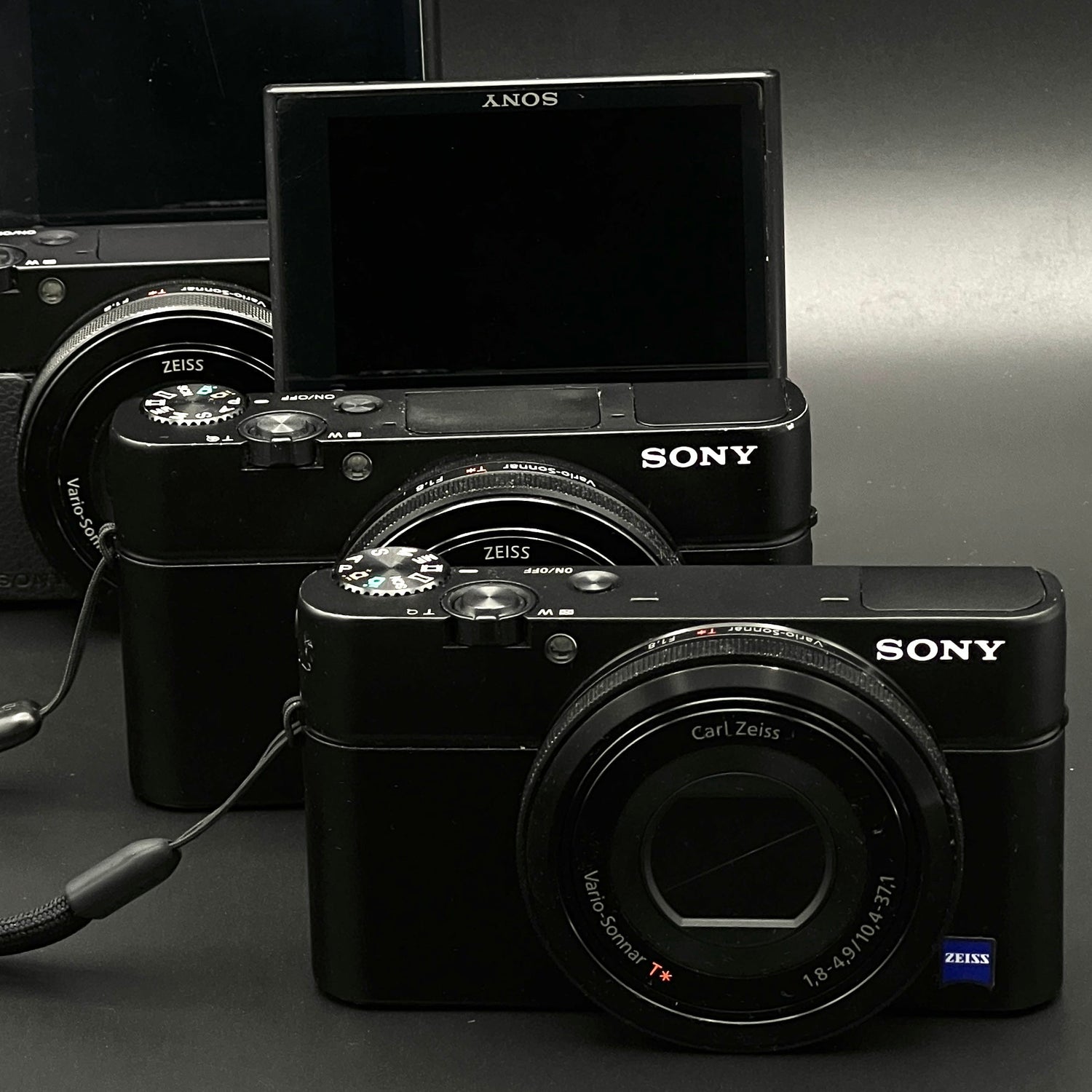
Professional-Grade Compacts
Advanced compact cameras. Compare manual controls, RAW support and sensor size in...
-
Retro Digital Cameras ⏳
Early digital cameras with a distinctly retro feel.